
Galaxy Wallet and Crypto: The Beginner’s Guide Nobody Told You About
Most people discover crypto the hard way. They search online, get bombarded with complicated terms, download three different apps, and eventually give up before they even buy their first coin Galaxy Wallet
But if you own a Samsung Galaxy phone, you might already have everything you need sitting right on your home screen — and you probably never thought of it as a crypto tool.
This guide is for regular people. Not traders. Not tech nerds. Just someone who has heard about Bitcoin or Ethereum and wants to understand how Galaxy Wallet fits into the picture.
Let’s Start With the Obvious Question: Isn’t Galaxy Wallet Just for Payments?
It used to be. A few years ago, Samsung Wallet was essentially a digital version of your physical wallet — a place to store credit cards, loyalty points, boarding passes, and digital IDs. Convenient, yes, but nothing groundbreaking.
That changed in a big way in 2025 when Samsung partnered with Coinbase — the most widely used crypto exchange in the United States. Overnight, Galaxy Wallet became a crypto gateway for over 75 million Galaxy users across the country. Samsung Pay was integrated directly into Coinbase, and new users received exclusive perks including three free months of Coinbase One and a small USDC credit just for making their first trade.
Suddenly, your phone was not just a payment device. It became a door into digital assets.
What Does Galaxy Wallet Actually Do With Crypto?
Here is the practical part. Galaxy Wallet connects to the Samsung Blockchain Wallet, which has been quietly built into Galaxy devices since the Galaxy S10 launched back in 2019. Through this connection, you can:
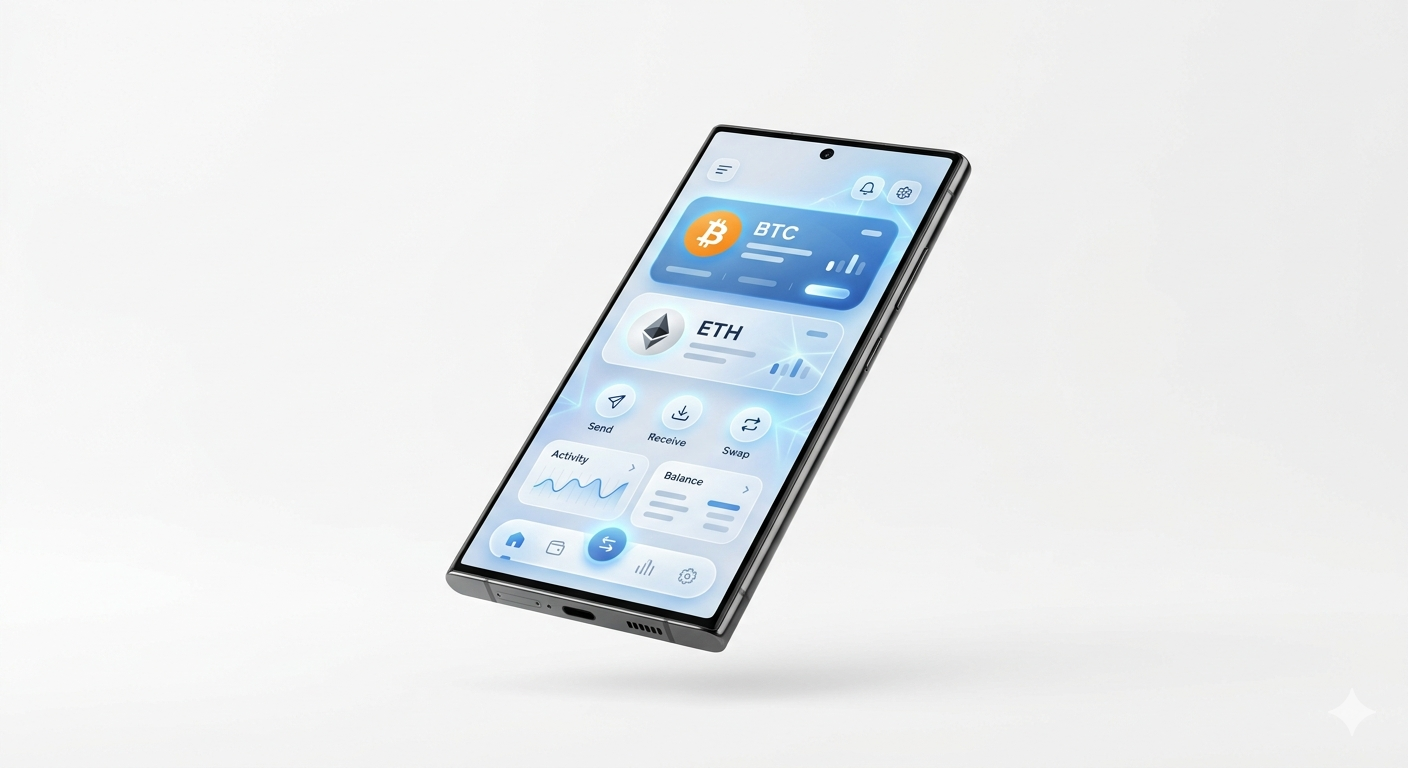
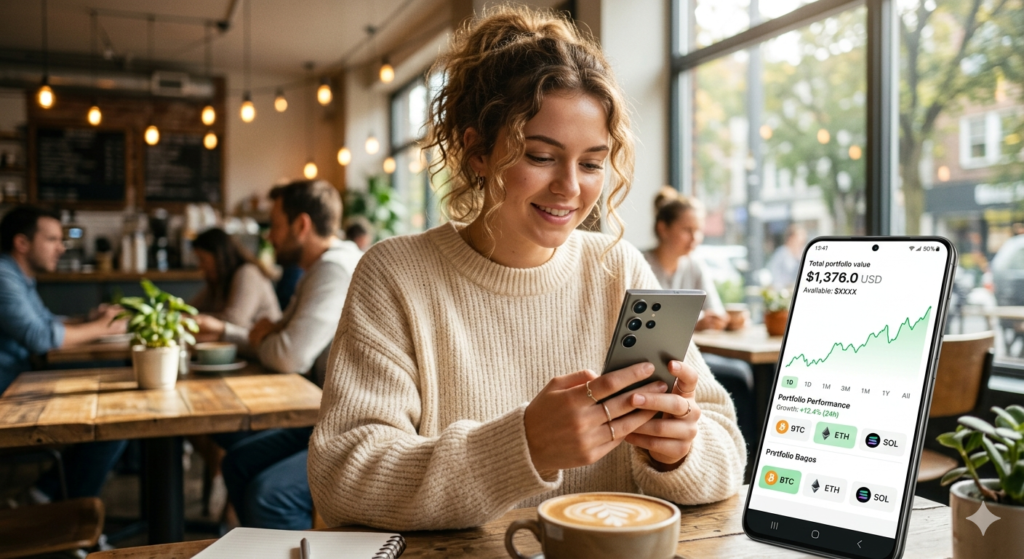
Monitor your crypto portfolio without opening a separate exchange app. Your holdings, their current market value, and price movements all appear directly inside Samsung Wallet.
Link exchange accounts from Coinbase or Gemini, the two currently supported platforms in the US. This lets you see everything in one dashboard without moving your assets.
Buy crypto using Samsung Pay as your deposit method, making the purchase feel no different from buying something online with a saved card.
Explore decentralized apps (DApps) — from games to finance tools — if you want to go deeper into the blockchain world beyond just holding coins.
Supported cryptocurrencies through the Samsung Blockchain Wallet include Bitcoin, Ethereum, ERC20 tokens (a large family of Ethereum-based coins), Tron, and TRC tokens.
The Security Setup Behind Galaxy Wallet
People often assume that because Galaxy Wallet is built into a phone, it must be less secure than a dedicated crypto product. That assumption is wrong.
Samsung has invested heavily in mobile security for over a decade, and Galaxy Wallet benefits from the full stack of that work.
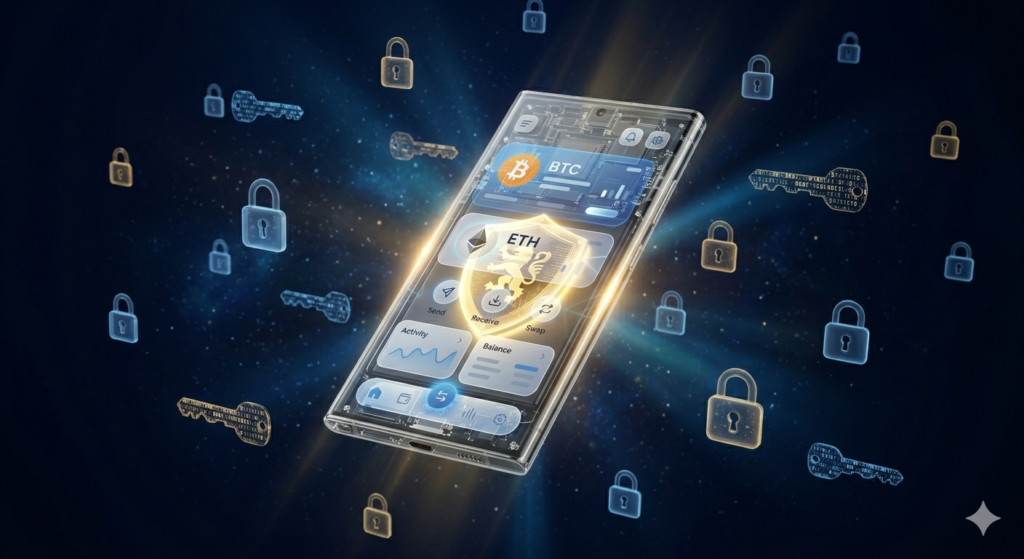
Samsung Knox is the security platform at the core of every Galaxy device. Originally built to meet the security requirements of government agencies and defense organizations, Knox runs continuously in the background, monitoring for threats and keeping sensitive data isolated. Your crypto information lives within this protected environment.
The Samsung Blockchain Keystore is a dedicated area on your device that stores your private cryptographic keys completely separate from the main operating system. Even if malware somehow got onto your phone, it could not reach what is stored in the Keystore.
The Trusted Execution Environment (TEE) adds hardware-level protection on top of that. It is a secure zone on the processor itself — not just software — which makes it far harder to compromise.
Tokenization and biometric authentication handle the transaction and login side. Your real financial data is never exposed during a purchase. Instead, a device-specific token stands in for it, and your fingerprint or face scan confirms every action.
For a phone-based wallet, this is a genuinely robust security architecture.
A Quick Word on Keys — Because This Is Important
Even with all the technology in the background, there are two things you need to understand as a crypto beginner.
Your public key is like your email address for crypto. Share it freely — it is how people send coins to you.
Your private key is something else entirely. It is the proof that you own what you own. If someone else gets it, they can take everything, instantly, with no way to reverse it. Galaxy Wallet protects your private key through the Blockchain Keystore, but you must also protect your recovery phrase — a set of 12 to 24 words generated when you first set up the Blockchain Wallet. Write those words down by hand. Keep the paper somewhere secure. Never type them into any app, website, or chat — not even if someone claiming to be Samsung support asks.
That one habit protects you from the most common and most devastating crypto mistake beginners make.
Who Is Galaxy Wallet Best Suited For?
Be honest with yourself here, because not every wallet is right for every person.
Galaxy Wallet makes the most sense if you are:
- A Samsung Galaxy user who wants to start small with crypto without installing unfamiliar apps
- Someone who mainly wants to monitor holdings and make occasional purchases
- A beginner who values a familiar interface over advanced trading features
- A person who already trusts Samsung with their payments and IDs and is comfortable extending that trust to crypto
It is probably not the right primary tool if you are planning to hold very large amounts of crypto long term, trade actively across many platforms, or need full self-custody where you control every private key independently.
Getting Started: Your First Steps
If you want to explore crypto through Galaxy Wallet, here is the most straightforward path:
Step one — Open Samsung Wallet on your Galaxy device. If you do not see it, search for it in your Galaxy Store.
Step two — Navigate to the Quick Access tab and tap the plus icon. Select Digital Assets.
Step three — You will be prompted to either link an existing Coinbase or Gemini account or set up a Samsung Blockchain Wallet from scratch.
Step four — If setting up a Samsung Blockchain Wallet, write down your recovery phrase the moment it appears. Every single word, in order, on paper.
Step five — Enable biometric login and set a strong PIN.
Step six — Once everything is configured, you can fund your linked exchange account and your portfolio value will begin appearing in your Galaxy Wallet home screen.
The whole process, including the setup of a Blockchain Wallet, typically takes less than fifteen minutes.
Five Mistakes New Galaxy Wallet Crypto Users Make
Treating it like a savings account — Crypto prices move fast. Do not put in money you might need next month. Only invest what you are genuinely comfortable losing.
Ignoring app updates — Samsung pushes security patches and improvements regularly. An outdated app is a less protected app.
Opening the wallet on public Wi-Fi — Coffee shop networks are convenient but shared. Mobile data or a trusted private network is always the safer choice when checking financial accounts.
Not backing up the recovery phrase — You will feel fine about this right up until you change phones and realize you cannot access your wallet. Two minutes of careful writing now prevents permanent loss later.
Trusting messages that ask for your credentials — Scammers target new crypto users specifically because they are less experienced. Samsung, Coinbase, and Gemini will never ask for your recovery phrase or private key through email, text, or chat.
The Real Advantages — and the Real Limitations
What Galaxy Wallet Gets Right
There is genuine value in having crypto access built into a device people already use every day. The familiarity alone reduces the anxiety that stops many beginners from ever getting started. Samsung Knox is not marketing language — it is a legitimate security platform with a long track record. And the Coinbase partnership means that perks, low fees, and a reputable exchange are baked directly into the experience.
Where It Falls Short
Galaxy Wallet is only available on Samsung Galaxy devices. If you switch to a different brand, you lose access to this specific setup. Feature availability also varies by carrier — notably, the Samsung Blockchain Wallet does not work on Verizon devices. And for users who want complete self-custody — meaning full personal control over private keys with no exchange involvement — Galaxy Wallet’s exchange-linked model may feel limiting as your knowledge grows.
Final Thought
Galaxy Wallet will not turn you into a crypto expert overnight. But it removes the single biggest barrier for most beginners: the friction of starting. Everything is already on your phone, built by a company you already trust, connected to one of the largest crypto exchanges in the world.
If you have been curious about digital assets but never quite took the first step, your Galaxy phone might be the easiest place to finally do it. Start small, learn as you go, and keep those recovery words somewhere safe.
Frequently Asked Questions
Q: Can I use Galaxy Wallet for crypto if I am not in the United States? The Coinbase and Gemini integrations launched first in the US, with a global rollout planned. The Samsung Blockchain Wallet itself is available in more regions, though features may vary. Check Samsung’s official website for your country’s current availability.
Q: Does Galaxy Wallet charge fees for crypto transactions? The wallet itself does not charge fees. Transaction fees depend on the exchange you use (Coinbase, Gemini) and the blockchain network involved. The Coinbase One subscription available through the Galaxy partnership offers reduced or zero fees on certain trades.
Q: Is it safe to link my Coinbase account to Galaxy Wallet? Yes. The connection is made through official integration supported by both Samsung and Coinbase. Your Coinbase credentials are not stored by Samsung — only a read access connection is established to display your portfolio data.
Q: What Galaxy devices support the crypto features? Most Galaxy S, Z Fold, Z Flip, Note, and A series devices support Samsung Wallet. Blockchain Wallet compatibility is more limited and varies by model and carrier. Samsung’s official FAQ page has the most current device list.
Q: Can I use Galaxy Wallet to send crypto to another person? Through the Samsung Blockchain Wallet, yes — you can send supported cryptocurrencies to any compatible wallet address. Through linked exchange accounts like Coinbase, you can also transfer between accounts following that platform’s process.