

Why Serious Beginners Are Choosing Arculus Wallet to Protect Their Crypto From Day One
There is a conversation that happens constantly in crypto communities. Someone joins, buys their first Bitcoin, leaves it on an exchange, and months later discovers the exchange was hacked — or simply freezes withdrawals without warning. Their money is gone or locked with no clear path to recovery.
The smarter approach is cold storage. And Arculus has made cold storage something that a complete beginner can actually set up in under ten minutes, without reading a technical manual.
This guide explains exactly what Arculus is, how it works, and whether it is the right choice for someone who is serious about crypto security from the very beginning.
The Problem Arculus Was Built to Solve
When most people start with crypto, convenience wins. They buy on an exchange and leave coins sitting there because moving them feels complicated. That convenience comes with a hidden cost: the exchange controls your assets, not you. If that platform gets hacked, goes bankrupt, or freezes accounts, your access to your own money depends entirely on decisions made by someone else.
Cold storage wallets solve this by moving your private keys — the cryptographic proof of ownership — off the exchange and onto a device you physically hold. The challenge has always been that most hardware wallets require cables, computer software, firmware updates, and a level of technical patience that puts many beginners off entirely.
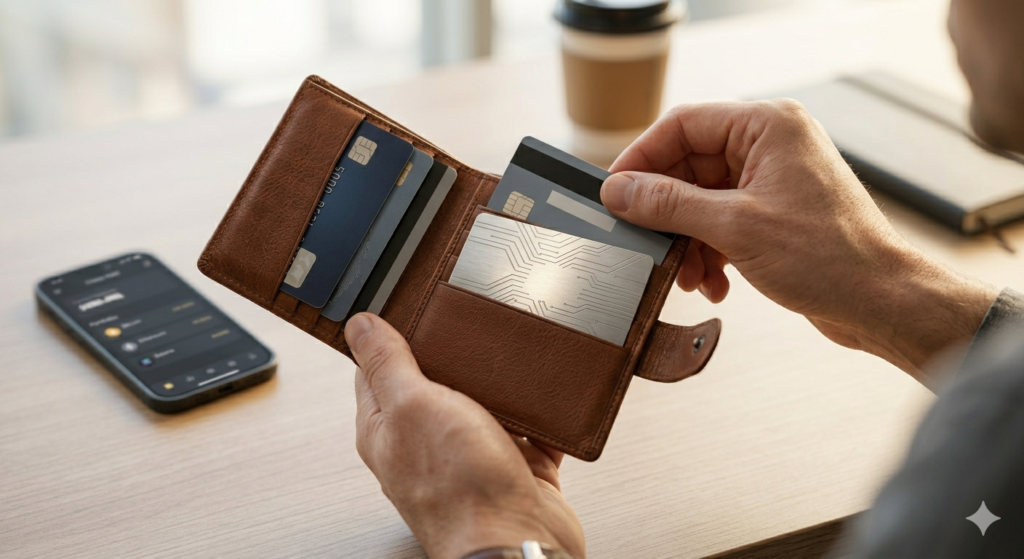
Arculus was designed by CompoSecure, a company that has spent over 20 years manufacturing secure cards for major banks. They approached the problem differently: instead of building another USB device, they built a metal card using the same technology that already exists in tap-to-pay credit cards. The result is a cold storage wallet that works with a tap, stores in your physical wallet, and sets up in the same time it takes to activate a new bank card.
What You Actually Get With Arculus
When you purchase Arculus, you receive two things that work together as a system.
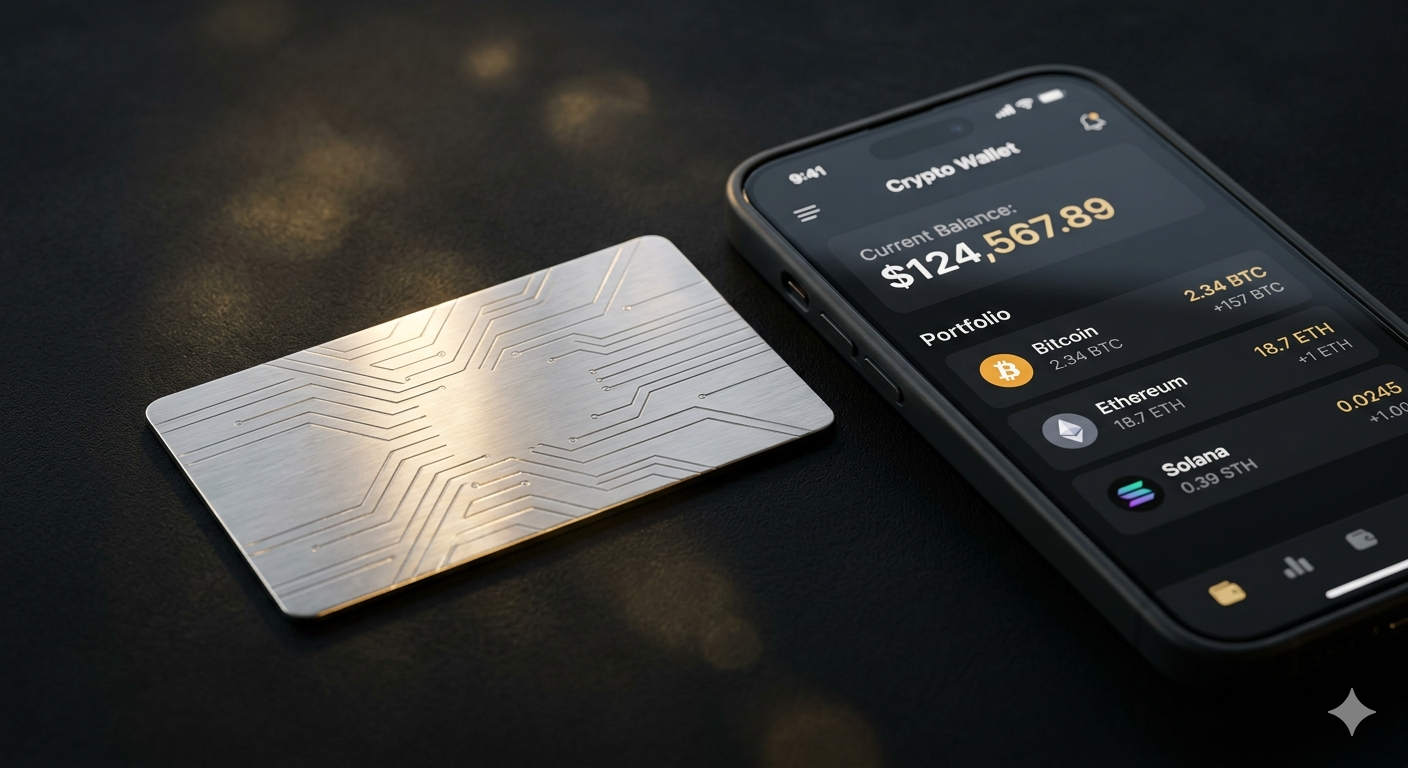
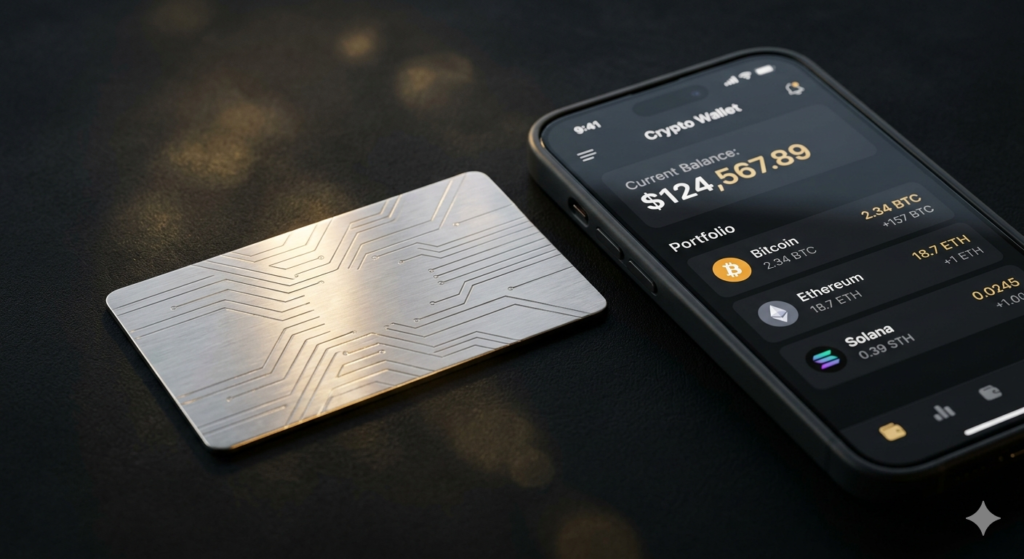
The Arculus Key Card is a stainless steel card, roughly the size of a standard credit card, made from approximately 65% recycled materials. There is no screen, no battery, no charging port, and no buttons. What it does contain is a CC EAL6+ certified secure element — a tamper-resistant chip that stores your private keys and signs transactions. This is the same level of chip security found in government identification documents and high-security financial cards.
The Arculus Wallet App is a free mobile application available on both iOS and Android. This is your interface. You use it to view your portfolio, initiate transactions, buy crypto, swap between coins, and manage NFTs. The app handles everything you see — but the card handles everything that actually matters for security.
Nothing sensitive ever passes through the app itself. When you approve a transaction, the app sends a request to the card via NFC. The card verifies the request inside its secure element, signs it, and returns only the signed confirmation. Your private key never leaves the card — not during setup, not during transactions, not ever.

The Three-Factor System: Security That Actually Makes Sense
Most people understand two-factor authentication — your password plus a code sent to your phone. Arculus goes one layer further with a three-factor approach that is genuinely difficult to defeat.
First factor: biometrics. Your phone confirms your identity using fingerprint recognition or facial scanning before anything else happens.
Second factor: your PIN. A personal code that only you know, entered through the app.
Third factor: the physical card. You must tap the Arculus Key Card to your phone to complete any transaction. No tap, no access — regardless of what else someone might have.
Think about what this means practically. If your phone is stolen, the thief has your first factor but not your card or PIN. If your card is stolen, the thief has one factor but not your phone or PIN. To breach your account, someone would need to possess your phone, your physical card, and know your PIN simultaneously. This is not a theoretical security feature — it meaningfully raises the cost and complexity of any attack to a point that virtually eliminates casual threats.
Setting Up Arculus: A Walkthrough for Complete Beginners
Arculus was designed to be approachable, and the setup genuinely reflects that intention.
Download the app. Find the Arculus Wallet App in the Apple App Store or Google Play Store. Only download from these official sources — fake wallet apps exist specifically to steal credentials.
Create your account. Follow the in-app prompts to create a profile. This takes two to three minutes.
Pair your card. Hold the Arculus Key Card against the back of your phone. The NFC chip in the card communicates with your phone wirelessly to establish the connection.
Set your PIN. Choose a PIN that is not obvious — avoid birthdays, repeating numbers, or anything someone who knows you could guess.
Enable biometrics. Set up fingerprint or facial recognition as your first authentication layer.
Write down your recovery phrase. This is the most important step. Arculus will generate a 12-word recovery phrase. Write every word down by hand, in the exact order shown, on paper. Put that paper somewhere physically secure — a safe, a lockbox, somewhere only you access.1 Do not photograph the screen. Do not email the words to yourself. Do not type them anywhere digital. This phrase is the only way to recover your funds if your card is lost or damaged.
Once these steps are complete, you are holding one of the more secure personal crypto setups available to consumers today.
What You Can Do With Arculus Beyond Basic Storage
Arculus is primarily a storage wallet, but the app offers tools that go well beyond simply holding coins.
Crypto swaps let you exchange one supported cryptocurrency for another directly within the app, without needing to move funds to an exchange first.
Staking is available for certain coins, allowing you to earn rewards on holdings while they remain in cold storage.
NFT management lets you store and view non-fungible token collections secured by the same card-based protection as your other assets.
Web3 connections allow you to interact with decentralized applications — lending platforms, decentralized exchanges, and other blockchain-based services — from within the Arculus ecosystem.
The wallet currently supports over 40 cryptocurrencies and multiple NFT chains. For most beginners, this is more than sufficient coverage. Experienced users who need access to highly specialized or newer assets may eventually find the selection limiting, but for the vast majority of crypto holders, the supported range covers everything they are likely to need.
Arculus Compared to the Alternatives
It helps to understand where Arculus sits relative to other options a beginner might encounter.
Versus a hot wallet like MetaMask or Trust Wallet — these apps are free and convenient, but your private keys are managed by software connected to the internet. They are fine for small amounts you actively use. For savings you want to hold securely, cold storage like Arculus is the more defensible choice.
Versus Ledger — Ledger is the most widely known hardware wallet. It requires a USB connection to a computer, firmware management, and a more involved setup process. Arculus is considerably easier to get started with and requires no computer at all. Ledger may suit users who prefer desktop-first workflows, but for mobile-first beginners, Arculus asks less of you.
Versus Trezor — Similar story to Ledger. Trezor is a respected device with strong security, but it is built around USB connectivity and desktop management. Arculus handles everything from a phone and a tap.
Situations Where Arculus May Not Be the Ideal Fit
No single wallet is the right answer for everyone, and being honest about limitations is more useful than overselling.
If you need to manage many wallets simultaneously or require complex multi-signature setups for business or institutional purposes, Arculus has a ceiling. Power users running advanced DeFi strategies who need seamless desktop browser wallet integration may find the mobile-centric design limiting over time.
And the card itself, while durable, is a physical object. It can be misplaced. Without the recovery phrase stored safely, a lost card means lost access — permanently. That is not unique to Arculus, but it is something every potential user should take seriously before purchasing.
Real-World Track Record
Since launching in 2021, Arculus has not been subject to any publicly reported hack or significant security breach. For a product in the crypto hardware wallet space — an industry that has seen high-profile security incidents across multiple companies — that track record matters.
CompoSecure’s background in tamper-resistant card manufacturing for major financial institutions adds credibility to the security architecture. This is not a startup that built a wallet as a side project. It is a specialized security company that applied existing expertise to a new problem.
The Honest Bottom Line
Arculus is not for everyone. If you want the cheapest possible entry into crypto, a free hot wallet gets the job done. If you want the most technically advanced hardware wallet on the market, there are options with deeper feature sets.
But if you are a beginner who takes their crypto seriously enough to invest in proper cold storage from the start — and wants that cold storage to actually be usable without frustration — Arculus sits in a genuinely compelling position. The security credentials are real, the setup is honest about being easy, and the card form factor solves a problem that bulkier hardware wallets never quite managed: making cold storage something you will actually carry with you and use consistently.
Write down your recovery phrase. Keep the card safe. And enjoy the peace of mind that comes from knowing your private keys are sitting in your wallet — not on a server somewhere you do not control.
Frequently Asked Questions
Q: Does Arculus work without internet? The Arculus Key Card itself requires no internet — it stores your keys completely offline. The Arculus Wallet App does require an internet connection to display portfolio values and broadcast transactions to the blockchain, but the signing of those transactions happens offline on the card itself.
Q: What happens if the Arculus company shuts down? Arculus is a non-custodial wallet — the company never holds your private keys. Your keys live on your card. If Arculus as a company ceased operations, you would still be able to restore your wallet using your recovery phrase with compatible third-party wallet software that supports the same key standard (BIP39). Your funds would remain accessible.
Q: Is the Arculus card waterproof or damage-resistant? The stainless steel construction makes the card far more durable than typical plastic cards. It has no moving parts, no battery, and no ports that could corrode. However, extreme physical damage or demagnetization of the NFC chip could affect function — which is exactly why the recovery phrase backup is so important.
Q: Can I use Arculus with a tablet instead of a phone? The Arculus app requires NFC capability to communicate with the card. Most smartphones have NFC, but many tablets do not. Check your specific device’s NFC support before purchasing.
Q: How many Arculus cards can I have? You can purchase multiple Arculus Key Cards and configure them as backups for the same wallet. This is actually a smart approach — keeping one card at home as a backup while carrying another provides redundancy without relying entirely on the recovery phrase as your only fallback.
⚠️ Financial Disclaimer: This content is for informational and educational purposes only. Nothing in this article constitutes financial advice. Always do your own research and speak with a qualified professional before making any investment or financial decision.